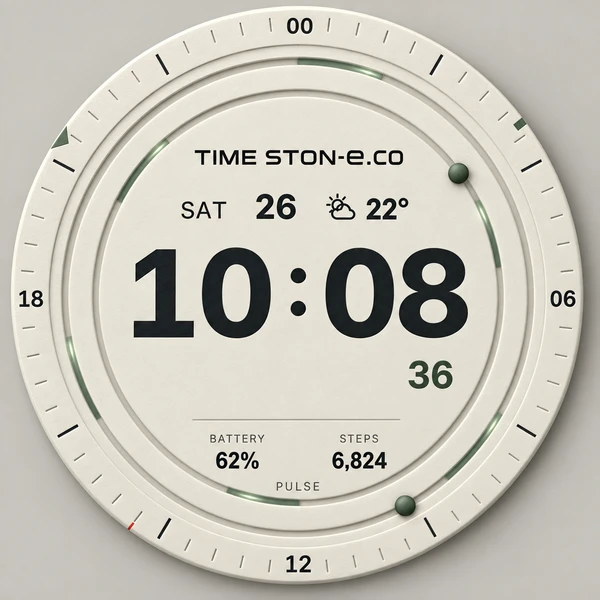
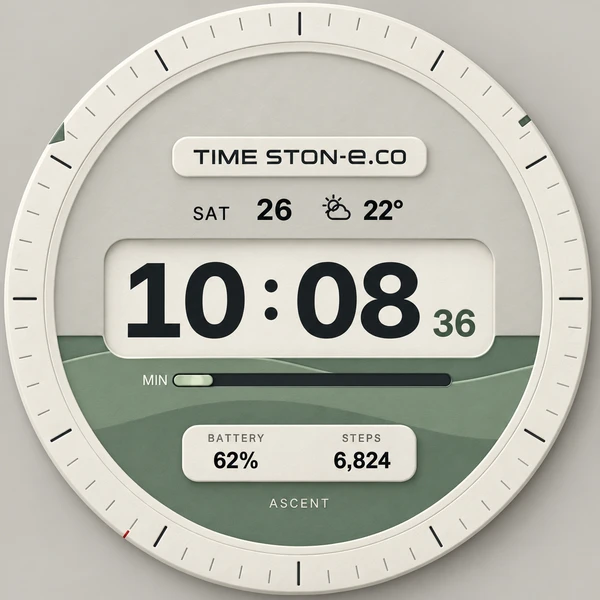
Time made visible.
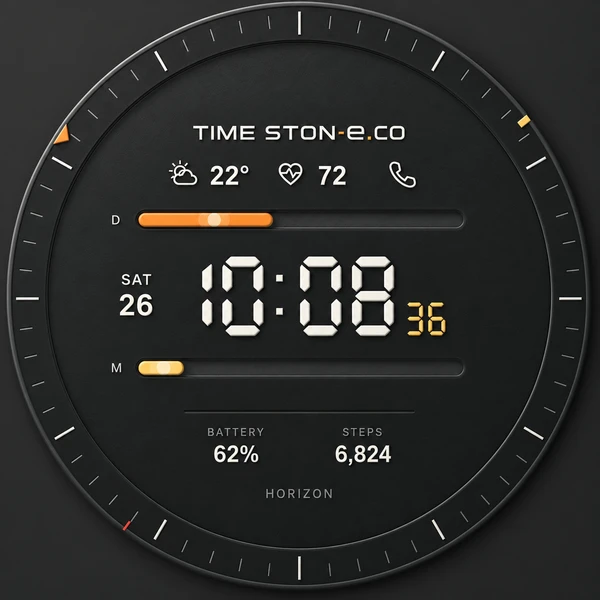
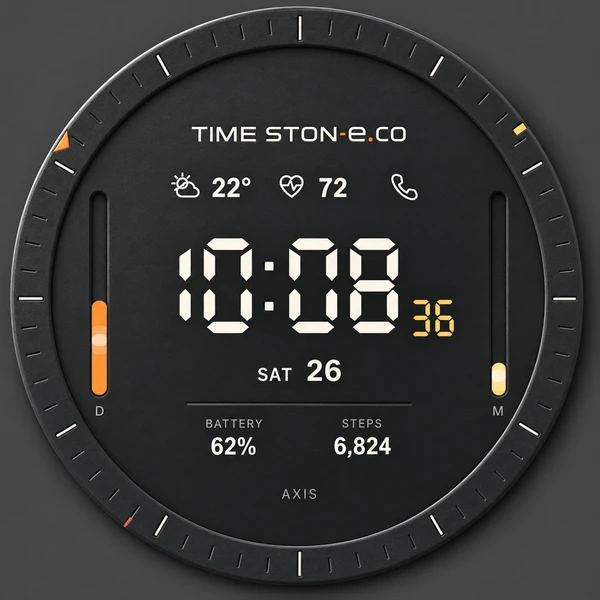
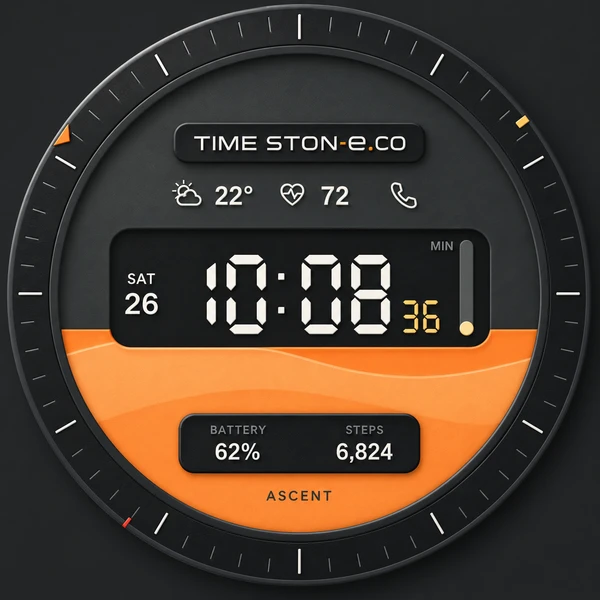
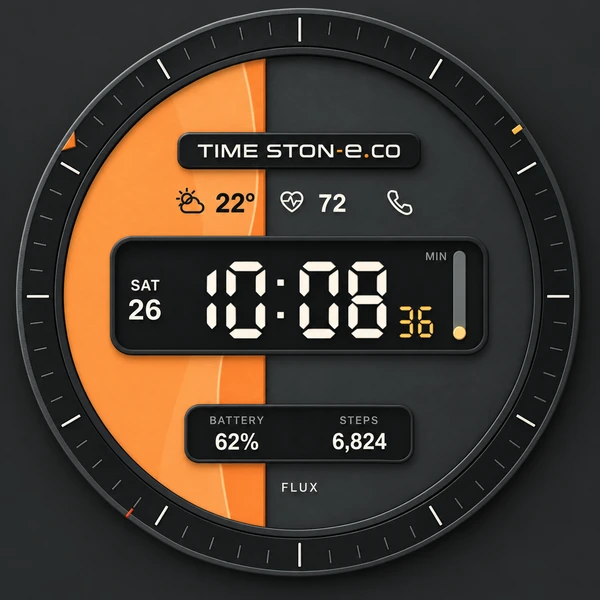
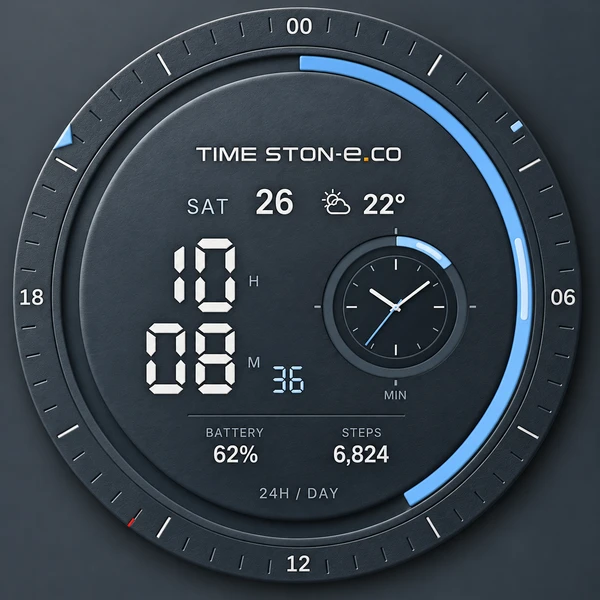
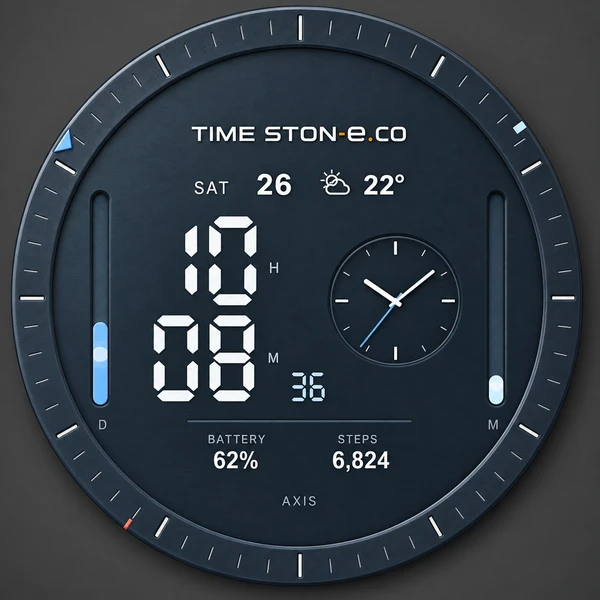
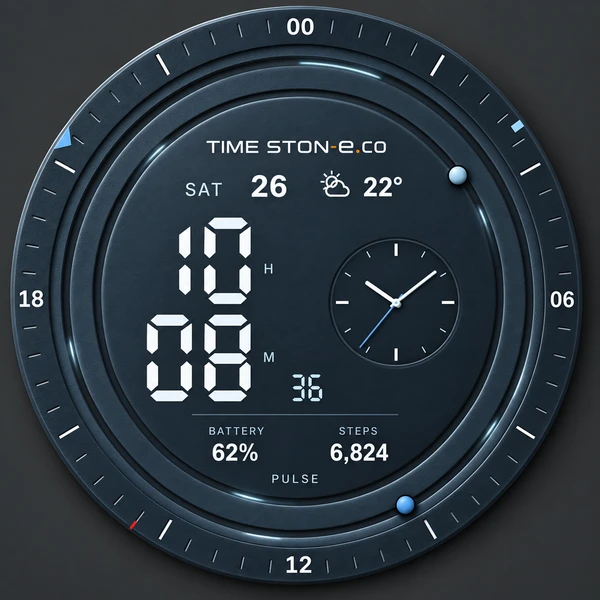
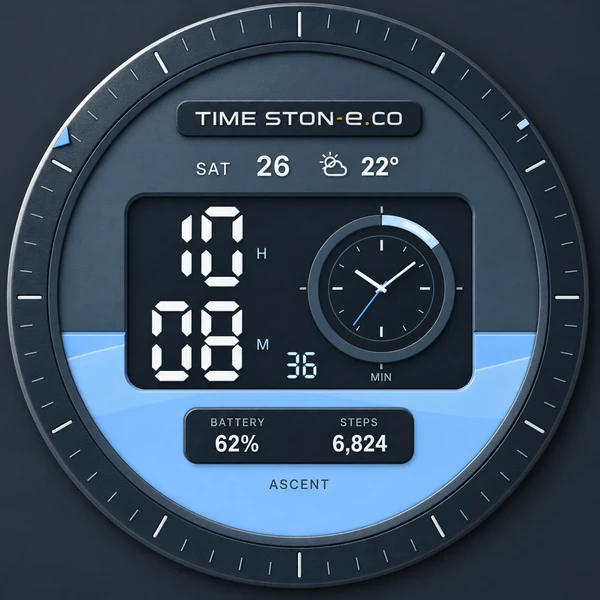
Day and minute progress take shape as rails, bars, moving points and filled surfaces. Outer hour, minute and second markers add another way to read the moment.

 Google Play Coming soon ↗
TIME STON-e / WATCH FACE COLLECTION
18 styles. Three collections. One purchase.
A new perspective on the time you wear.
Choose bold precision, refined detail or quiet clarity.
Designed for Wear OS · Google Play release in preparation
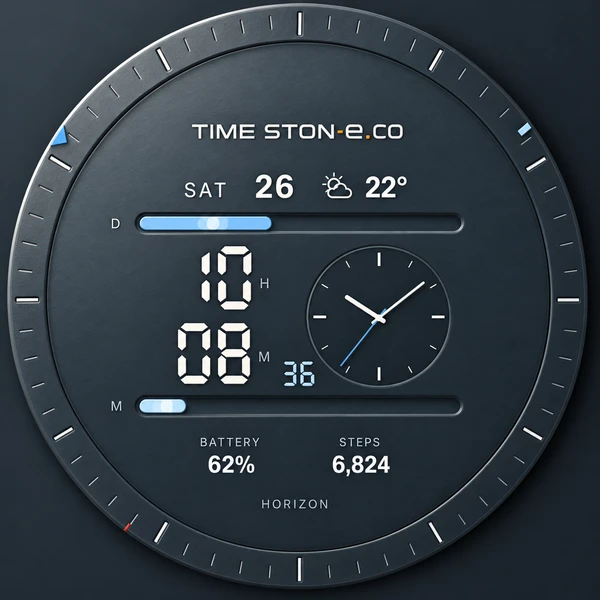
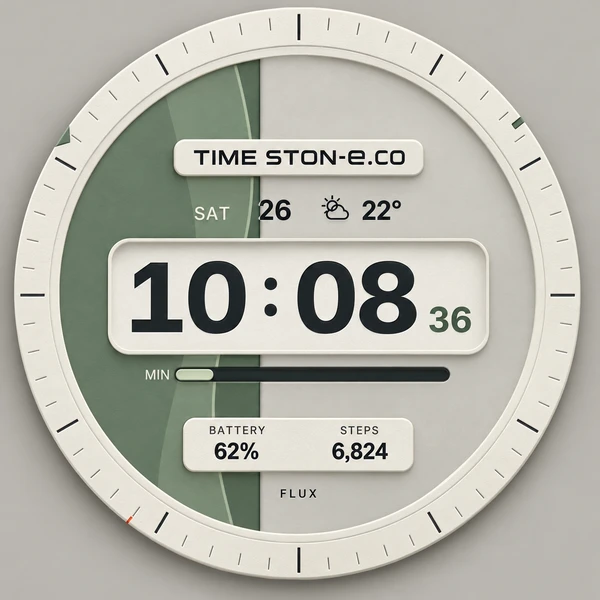
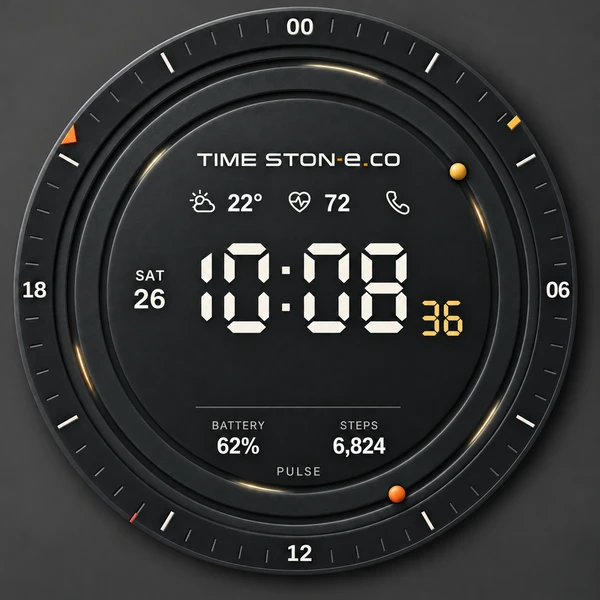
01 / THE COLLECTIONS
Dress your wrist for your mood, your work or your next destination. Every collection includes all six signature graphics. Select any face below to explore it.
Relief design study — explore the new surface treatment. The current watch package uses the flat design.
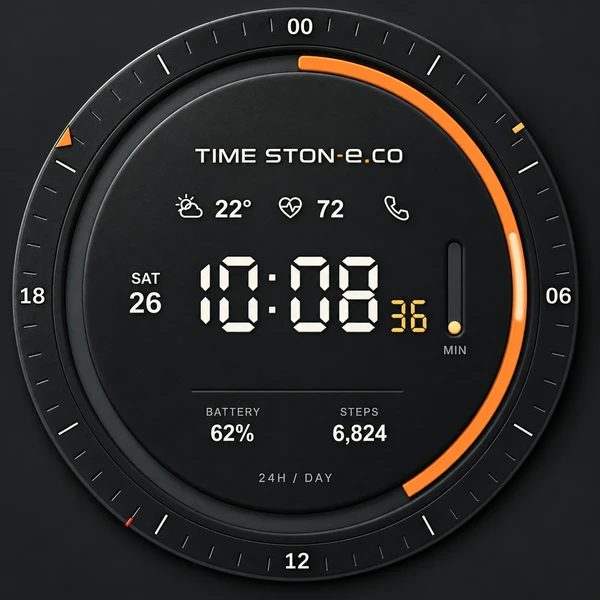
01 / CARBON
Bold digital numerals, a dark dial and warm amber accents. An expressive instrument for everyday time.
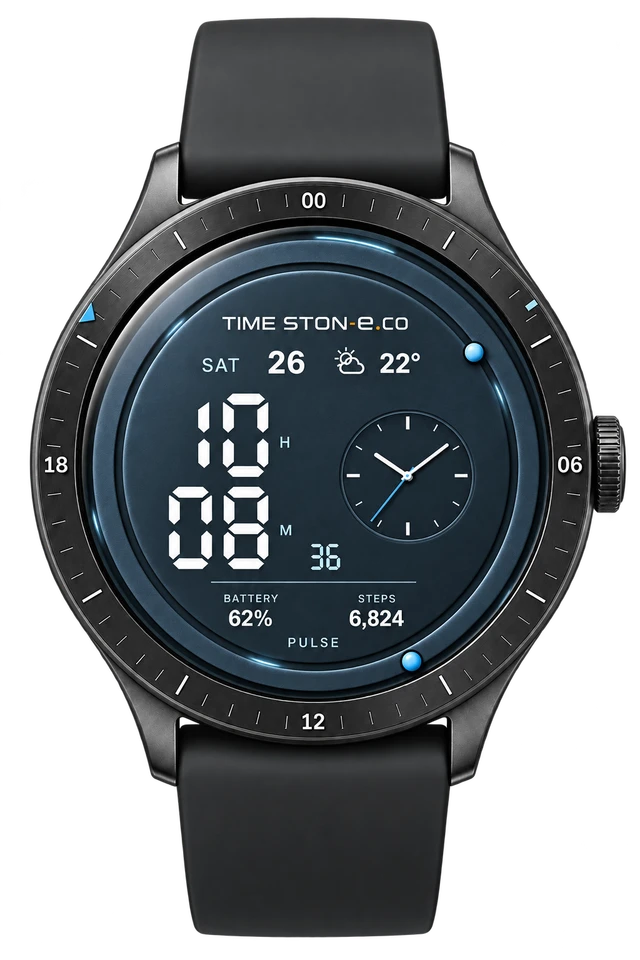
02 / TITANIUM
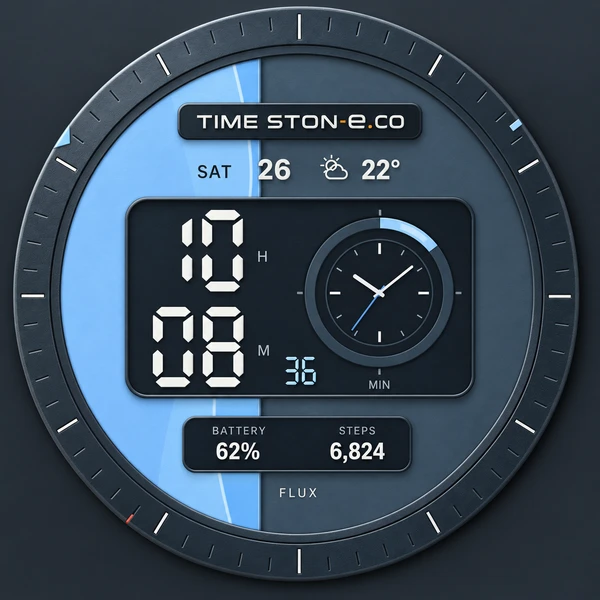
Cool metal tones pair a crisp digital display with a working analog subdial. Two perspectives on the same moment.
03 / PAPER
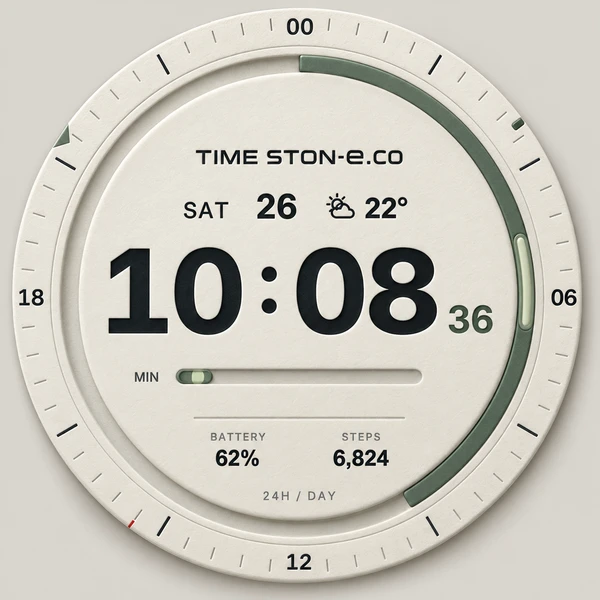
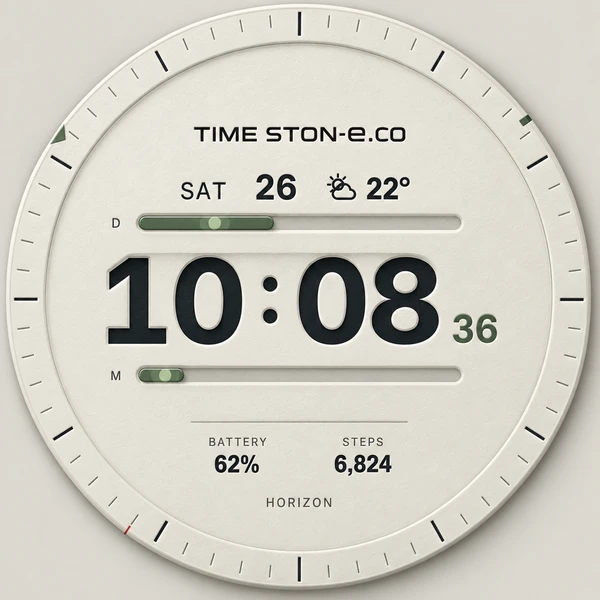
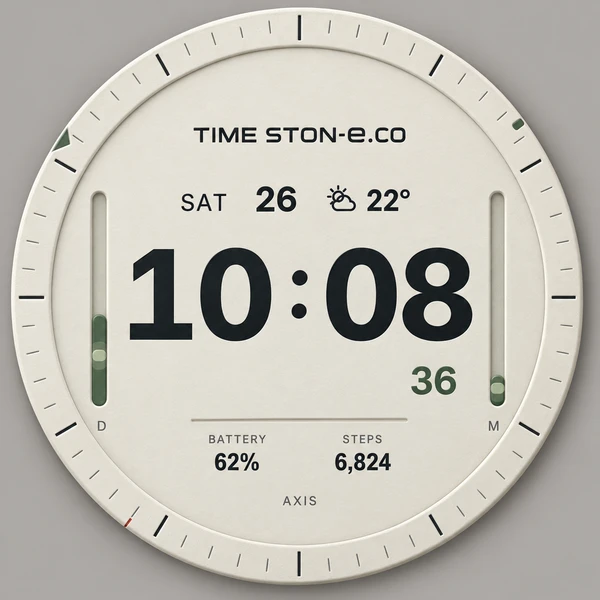
A warm, light dial, generous typography and soft green accents. Calm details that make time easy to read.
02 / DESIGNED TO BE READ
A considered balance of expressive time graphics and everyday information. Choose your collection and graphic in the watch face editor.
Day and minute progress take shape as rails, bars, moving points and filled surfaces. Outer hour, minute and second markers add another way to read the moment.
Weekday, date, weather and temperature join battery and step information. CARBON adds heart rate and a phone shortcut. TITANIUM pairs digital time with an analog subdial.
A dedicated monochrome always-on display keeps time readable. Switch graph motion, date and seconds in the editor, and choose a 12-hour or 24-hour readout.
A continuous path around your day.
Two lines. A balanced view of time.
Time held between two vertical axes.
Two moving points. A rhythm of their own.
Watch your day rise into view.
Let time flow across the dial.
03 / TRY THE COLLECTION
Explore all 18 faces in relief or flat. Both surface styles support live time, time-format choices and the always-on display. Weather and health readings are examples.
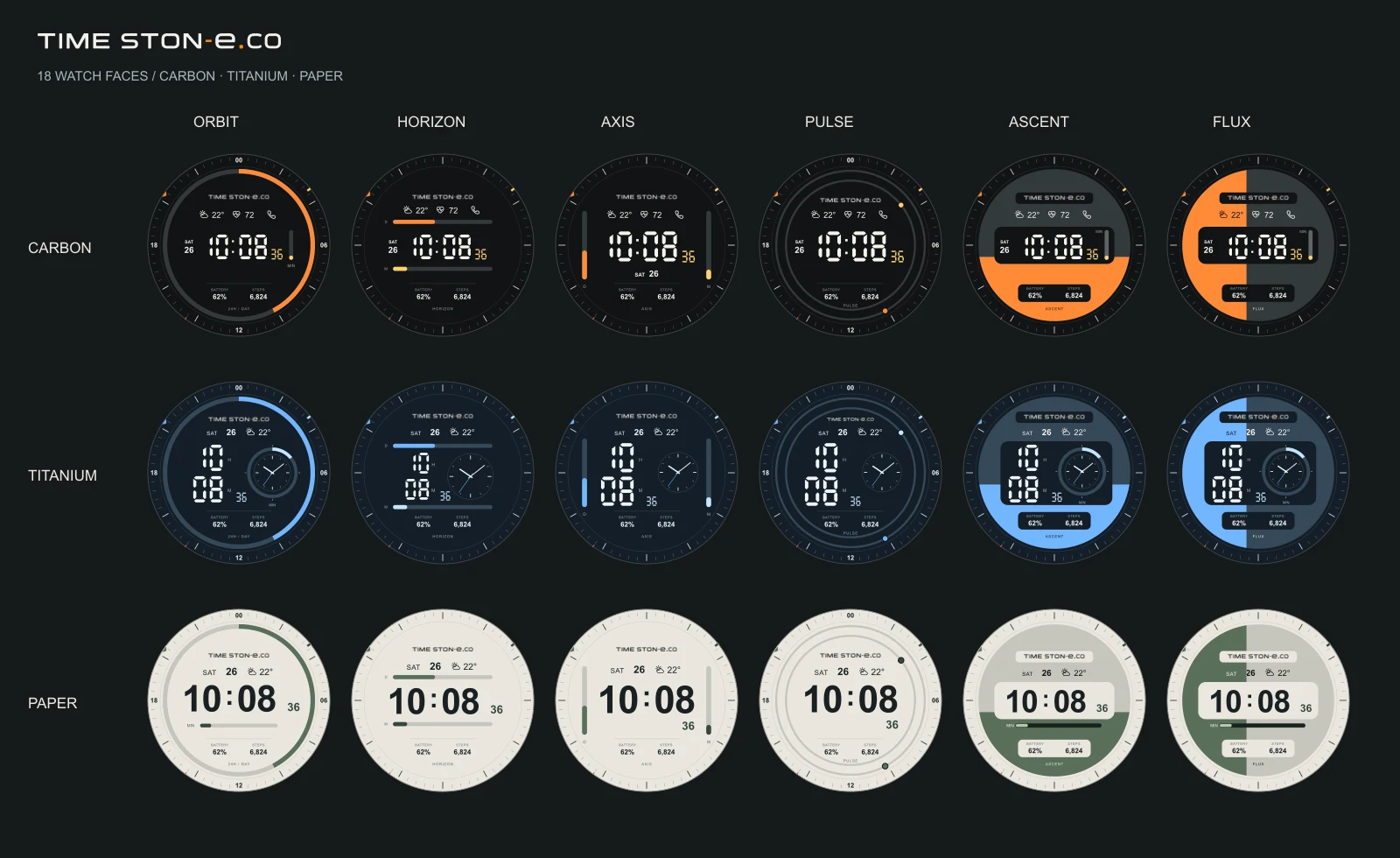
INTERACTIVE / 18-IN-1
Three collections × six graphics.
Relief design studies and interactive flat previews.
Live time, AOD and 12/24-hour options in both surface styles.
04 / TIME IN MOTION
Follow a moving highlight, watch colors shift and explore flowing surfaces. Motion adds depth while the time graphics continue to show the actual progress.
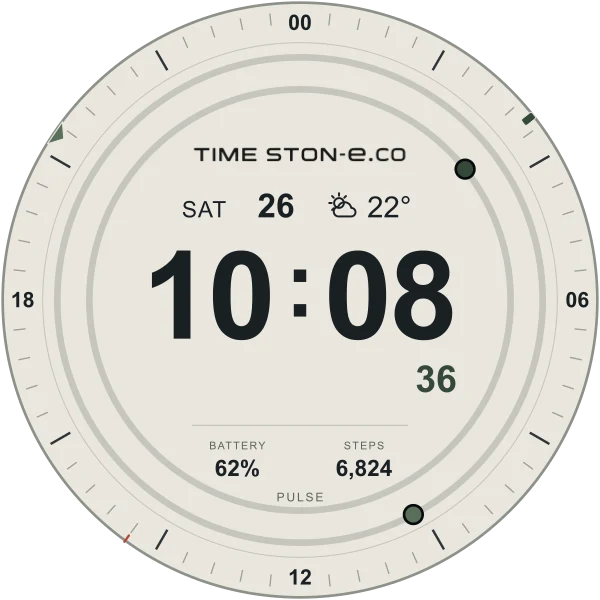 EXPLORE / ALL 18 MOTION PRESETS
ORBIT, HORIZON and AXIS guide light along the graph. ASCENT and FLUX bring a gentle liquid-like flow. PULSE uses three continuous highlights on each circular rail.
PULSE follows the 24/60 division ratio: the inner rail rotates 2.5 times faster than the outer rail. PAPER uses a visible green-gray accent.
Open motion preview ↗The latest motion is a design preview. Final store-build rendering and device testing are still in progress.
05 / ONE COLLECTION, ONE PURCHASE
CARBON · TITANIUM · PAPER
All six graphics in each collection.
One-time purchase. All 18 presets included.
No subscription.
PREMIUM COLLECTION / PLANNED PRICE
Separate regional price plans. Final local prices appear on Google Play.
A short launch event in Korea is planned at ₩2,900–₩3,500. Dates and the final offer will be announced with the release.
Release in preparation. Follow the store link here when the collection becomes available.
06 / GOOD TO KNOW
The package is designed for compatible Wear OS 5 or later smartwatches, with development testing on Galaxy Watch8. It supports round watch displays. Apple Watch and Tizen-based Samsung watches use different platforms and are not supported by this package. Final device availability will be shown on Google Play.
Use the watch face editor to select CARBON, TITANIUM or PAPER, then choose ORBIT, HORIZON, AXIS, PULSE, ASCENT or FLUX. Three collections and six graphics create 18 presets in one package.
The browser previews use sample readings. On the watch, weather and heart rate depend on available watch sources; battery and steps use the selected complication providers. Permissions, installed apps and provider availability can affect the information shown. The weather shortcut is currently configured for Samsung Weather.
Supported shortcuts open the watch's calendar, weather, health or phone app. Battery and step taps are handled by their selected complication providers. Shortcut availability depends on the watch and installed apps.
This package focuses on watch faces. Alarms, timers and stopwatches are outside this release. The website's Interface Lab is a separate browser demonstration.